Launch Your Creative Career: Entry-Level Graphic Designer
Kickstart your graphic design career in education! This entry-level role provides a fantastic opportunity to contribute your creative talents to engaging learning materials and gain valuable experience in a dynamic field.
Essential Skills for Entry-Level Education Graphic Designer
Include these keywords in your resume to pass ATS screening and impress recruiters.
Must-Have Skills
- Adobe Creative Suite Proficiency
- Strong Visual Communication Skills
- Understanding of Design Principles
- Attention to Detail
- Ability to Work Collaboratively
Technical Skills
- Adobe Photoshop
- Adobe Illustrator
- Adobe InDesign
- Typography
- Layout Design
Soft Skills
A Day in the Life
The day begins with a team meeting to discuss the design needs for a new elementary science textbook. You're assigned the task of creating engaging illustrations and layouts for the chapter on ecosystems. After the meeting, you research visual references and begin sketching initial concepts using your tablet. You then transition to Adobe Illustrator to create vector illustrations of various plants and animals, ensuring they are accurate and visually appealing to young learners. Throughout the afternoon, you collaborate with the curriculum developer, incorporating their feedback on the designs. Later, you work on laying out the text and images in Adobe InDesign, paying close attention to typography and visual hierarchy. Before the day ends, you prepare the final files for review, ensuring they meet all technical specifications for print production. You also spend time researching current design trends in educational materials to stay inspired and informed. You finish by responding to emails regarding social media graphics needed for an upcoming school event, promising a quick turnaround.
Career Progression Path
Junior Graphic Designer
Graphic Designer
Senior Graphic Designer
Art Director
Creative Director
Interview Questions & Answers
Prepare for your Entry-Level Education Graphic Designer interview with these commonly asked questions.
Describe your design process from concept to completion.
MediumMy design process typically begins with understanding the project's objectives and target audience. I then conduct research, brainstorm ideas, and create initial sketches or mockups. Next, I refine the designs using software like Adobe Photoshop and Illustrator. I seek feedback from stakeholders throughout the process and make revisions as needed. Finally, I prepare the files for print or digital distribution, ensuring they meet all technical specifications. (STAR: In a recent project, I used this process to create a series of infographics for a school district, resulting in increased engagement on social media.)
How do you stay up-to-date with current design trends?
EasyI stay current by following design blogs, attending online webinars, and participating in online communities. I also experiment with new techniques and software to expand my skill set. (STAR: I recently learned about a new typography trend and incorporated it into a design project, which received positive feedback from the client.)
Tell me about a time you had to work on a project with conflicting feedback.
MediumIn a previous project, I received conflicting feedback from two different stakeholders regarding the color scheme. To resolve this, I facilitated a meeting to discuss their concerns and find common ground. I presented alternative color palettes and explained the rationale behind each choice. Ultimately, we reached a compromise that satisfied both parties. (STAR: This experience taught me the importance of clear communication and collaboration in resolving conflicts.)
What is your experience with designing for accessibility?
MediumI understand the importance of designing for accessibility and have experience creating materials that are compliant with WCAG guidelines. This includes using alt text for images, ensuring sufficient color contrast, and providing clear and concise text. (STAR: I recently completed a training course on accessible design and am committed to incorporating these principles into my work.)
Describe a time you had to meet a tight deadline. How did you manage?
EasyI once had to create a series of social media graphics for a fundraising campaign with a very short turnaround time. I prioritized tasks, focused on the most essential elements, and worked efficiently to meet the deadline. (STAR: I communicated proactively with the team to keep them informed of my progress and any potential roadblocks. As a result, we successfully launched the campaign on time.)
Why are you interested in working in the education sector?
EasyI am passionate about education and believe that design can play a powerful role in enhancing learning experiences. I am excited about the opportunity to contribute my creative skills to a field that makes a positive impact on students' lives. I believe engaging visuals can make complex topics more accessible and enjoyable for learners of all ages.
How familiar are you with UI/UX principles?
MediumWhile my experience is primarily in graphic design, I have a basic understanding of UI/UX principles. I understand the importance of user-centered design and strive to create visually appealing and user-friendly interfaces. (STAR: I've taken online courses to learn more about UI/UX and am eager to apply these principles to my work in the education sector.)
Can you show us examples of your best work and explain the design decisions behind them?
Hard*(Prepare to showcase your portfolio. For each piece, explain the project brief, the target audience, your design process, and the rationale behind your design choices, including typography, color palette, and layout.)* I selected these pieces to demonstrate my ability to [mention specific skills like illustration, layout, branding, etc.] and how I address specific design challenges.
ATS Optimization Tips
Make sure your resume passes Applicant Tracking Systems used by US employers.
Use standard section headings: 'Professional Experience' not 'Where I've Worked'
Include exact job title from the posting naturally in your resume
Add a Skills section with Education-relevant keywords from the job description
Save as .docx or .pdf (check the application instructions)
Avoid tables, text boxes, headers/footers, and images - these confuse ATS parsers
Common Resume Mistakes to Avoid
Don't make these errors that get resumes rejected.
Generic Resume with No Portfolio
Lack of Education-Specific Design Samples
Poorly Organized Portfolio
Ignoring Accessibility Guidelines
Typos and Grammatical Errors
Industry Outlook
The US market for Entry-Level Education Graphic Designer professionals remains highly competitive. Recruiters and ATS systems prioritize action verbs, quantifiable outcomes (e.g., "Reduced latency by 40%", "Led a team of 8"), and clear alignment with job descriptions. Candidates who demonstrate measurable impact and US-relevant certifications—coupled with a one-page, no-photo resume—see significantly higher callback rates in major hubs like California, Texas, and New York.
Top Hiring Companies
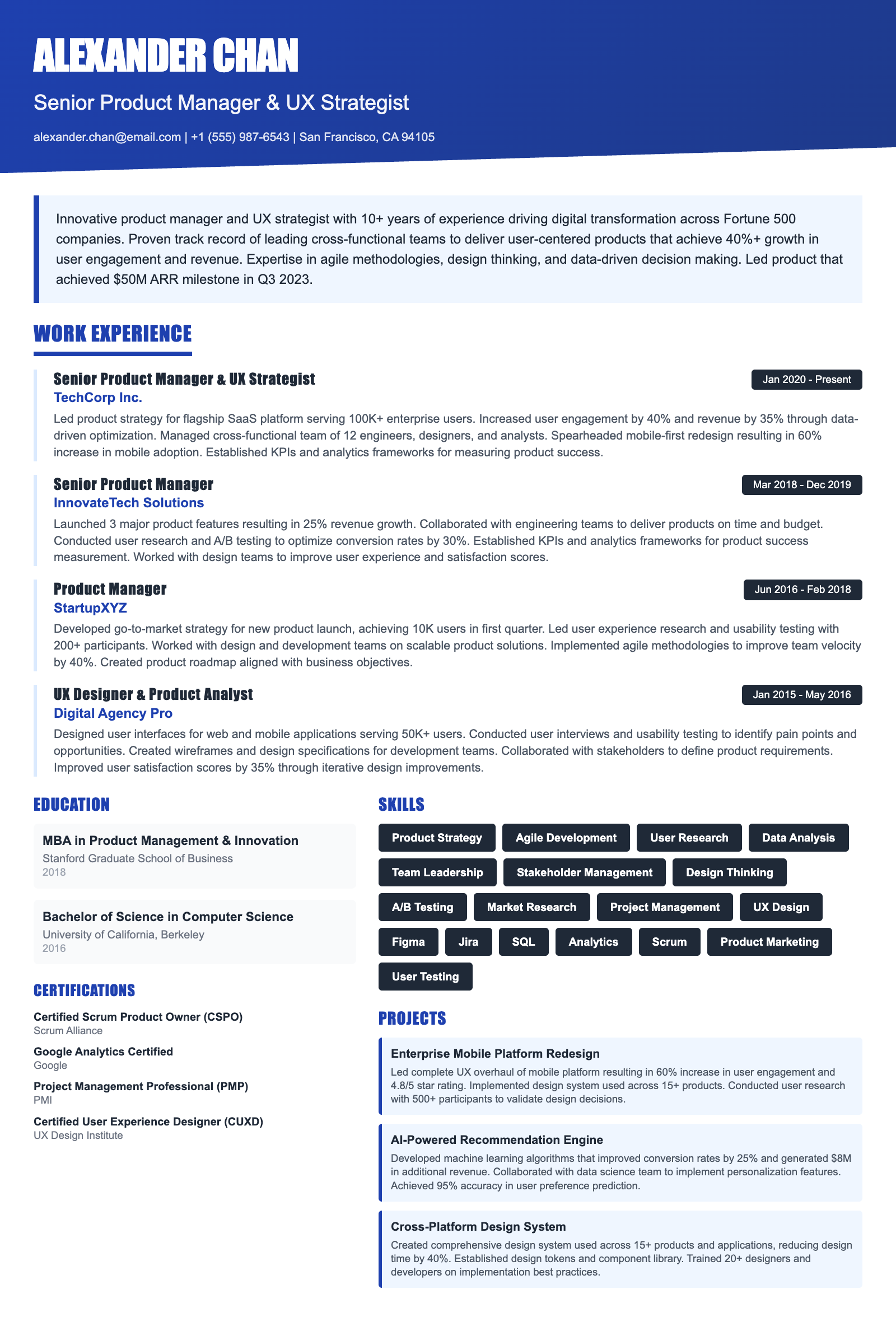
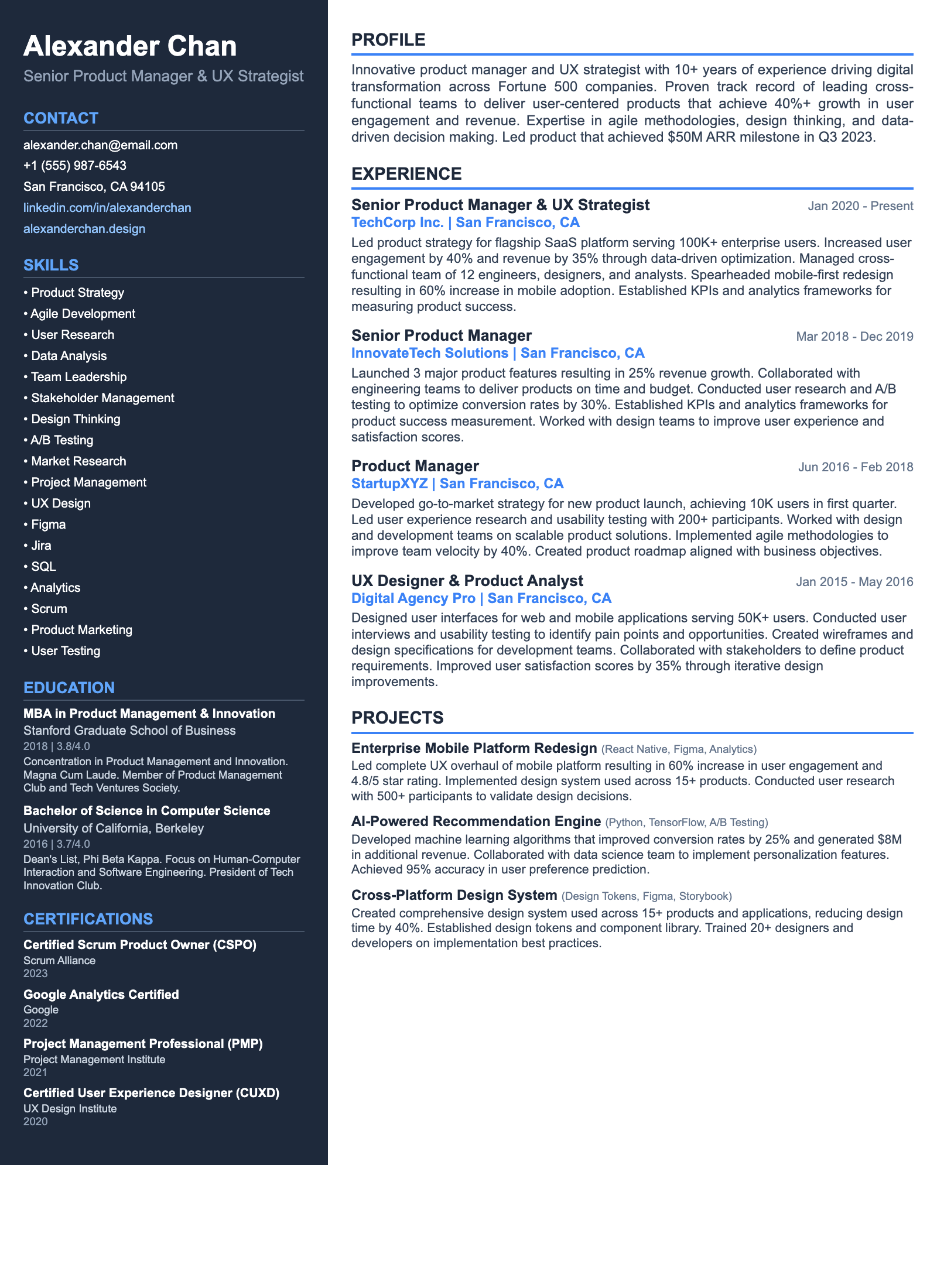
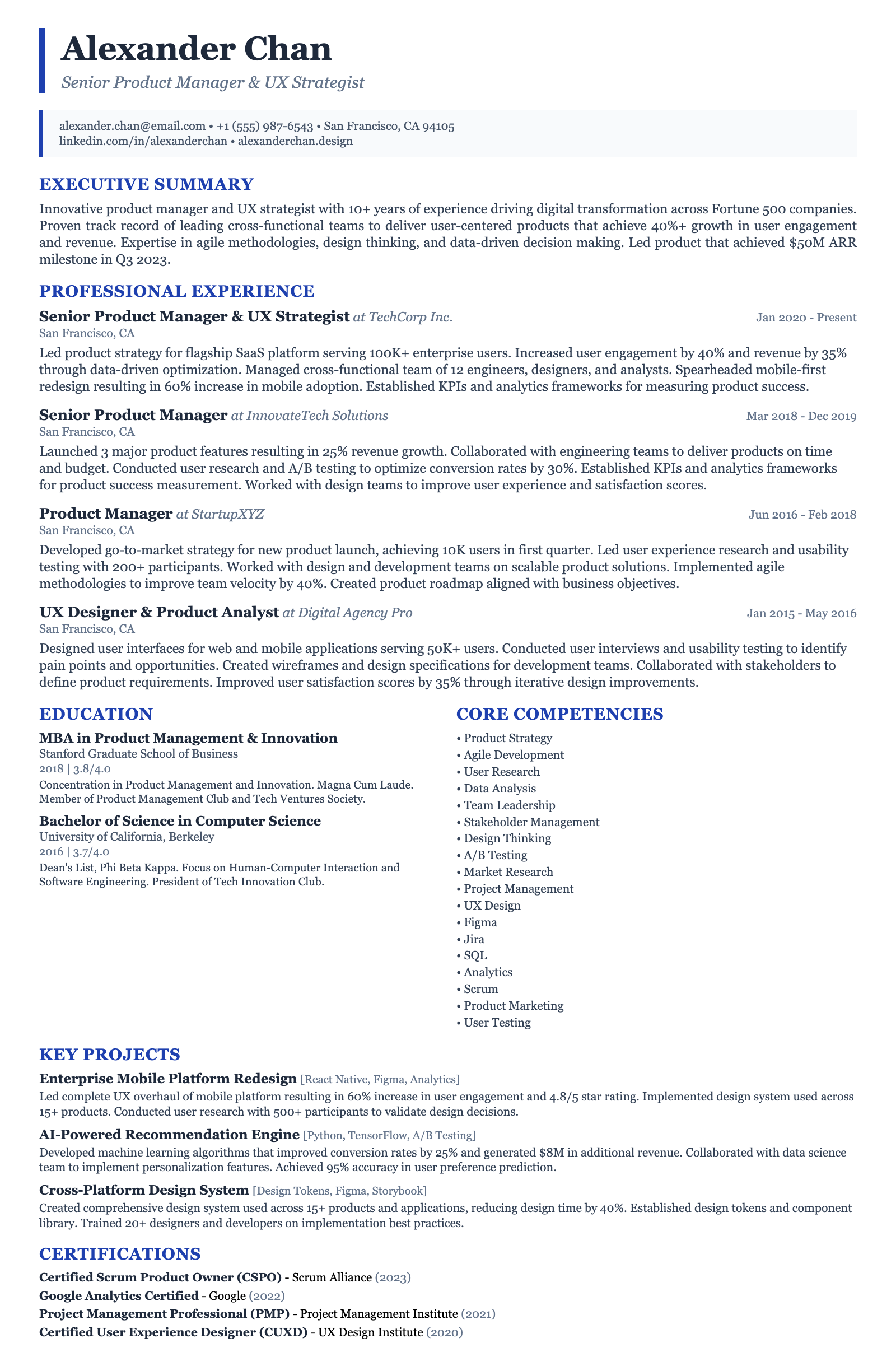
Recommended Resume Templates
ATS-friendly templates designed specifically for Entry-Level Education Graphic Designer positions in the US market.
Frequently Asked Questions
What software skills are most important for this role?
Proficiency in Adobe Creative Suite (Photoshop, Illustrator, and InDesign) is essential. Basic knowledge of web design tools like Figma or Sketch can also be beneficial.
What kind of portfolio should I present for an entry-level position?
Your portfolio should showcase your best work and demonstrate your skills in design principles, typography, and layout. Include examples of projects relevant to the education sector, if possible.
How can I gain experience in educational design?
Consider volunteering your design services to local schools or educational organizations. You can also create personal projects focused on educational topics to build your portfolio.
What are the key differences between designing for print and digital media?
Print design requires attention to CMYK color modes, resolution, and bleed areas. Digital design focuses on RGB color modes, pixel dimensions, and optimization for web and mobile devices.
How important is it to understand accessibility guidelines?
Understanding accessibility guidelines is crucial for creating inclusive and user-friendly learning materials. Familiarize yourself with WCAG standards and incorporate them into your design process.
What are some common design trends in education?
Current trends include using bright and engaging colors, incorporating illustrations and animations, and creating interactive learning experiences. Also, consider incorporating elements of gamification to increase student engagement.
How can I demonstrate my passion for education in my application?
Highlight any volunteer work or personal projects related to education in your resume and cover letter. Express your enthusiasm for using design to enhance learning outcomes.
What is the typical career progression for an education graphic designer?
The typical career path starts with a junior role, progressing to a graphic designer, senior graphic designer, art director, and eventually, creative director. Specialization in a niche (like UX for educational platforms) can also open doors.
Ready to Build Your Entry-Level Education Graphic Designer Resume?
Use our AI-powered resume builder to create an ATS-optimized resume tailored for Entry-Level Education Graphic Designer positions in the US market.